
AccuDownloader

Save the videos on a page as MP4 files.

AccuDownloader finds the videos on the page you are viewing and saves each one as an MP4 file, with the picture and the sound together.

It shows every available quality with its size before you download, joins separate video and audio into one file without re-encoding, and works in Microsoft Edge and Google Chrome.
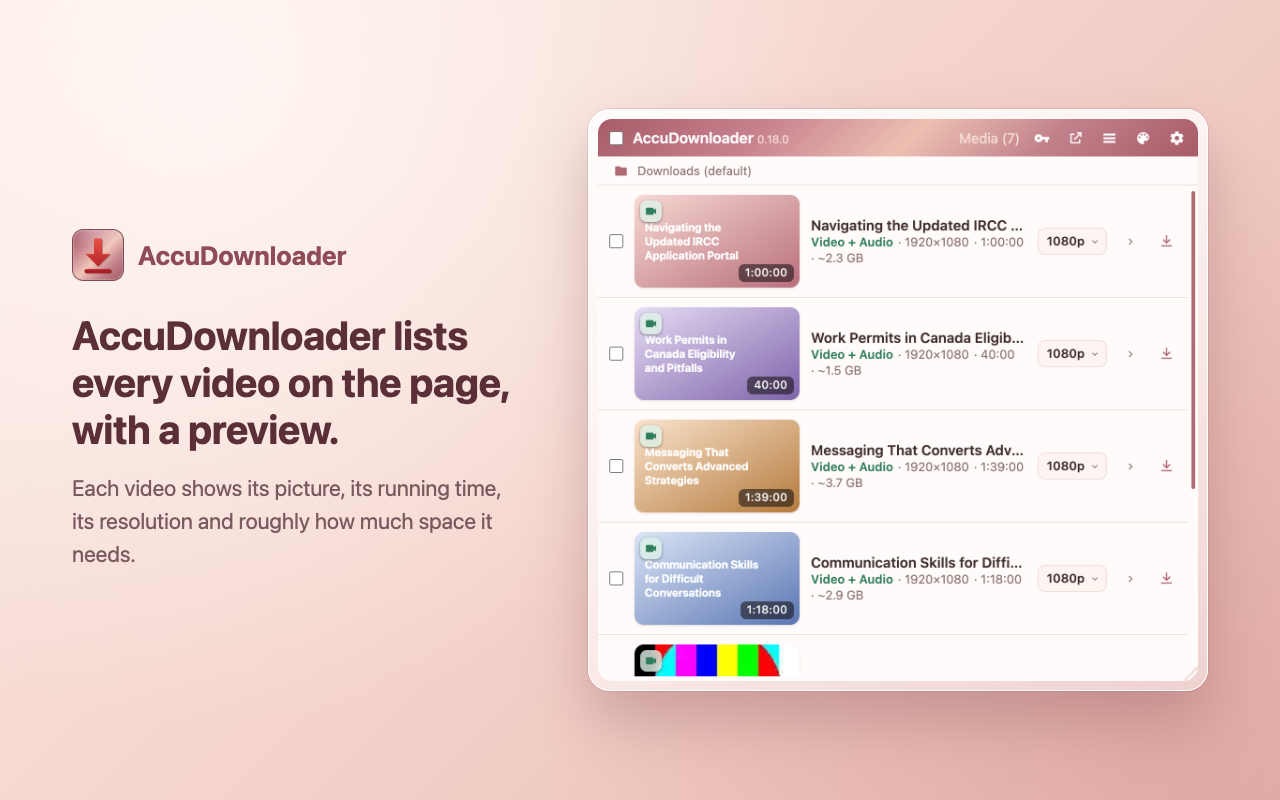
The AccuDownloader popup listing seven lecture videos, each with a preview picture, its running time and its size.

What a licence adds

US$24, paid once

  1. Choose the folder your downloads are saved to.
  2. Run several downloads at the same time. Without a licence they run one after another.
  3. Save qualities above 720p. Without a licence the best quality up to 720p is saved.

Finding videos, joining video and audio into one MP4 file, and everything else stay free. A key works on three computers at a time, and you can move it to another computer by removing it from one of them in the licence panel.